
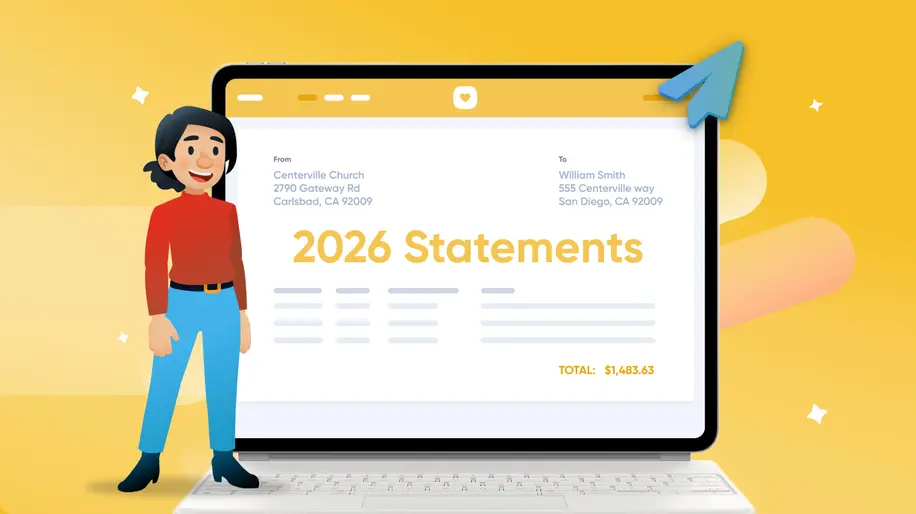
There’s a lot to be thankful for: the generous donors who make your ministry work possible, the Giving features that make sending donation statements a smoother process, and of course, that pumpkin pie you’ve been waiting all year to eat on Thanksgiving. 🥧
With tax season around the corner, an accurate year-end statement is a meaningful way to thank the incredible donors who support your church’s mission. Getting every statement right takes a little preparation, so here are nine essential tips to help you get a head start and send statements with confidence.
1. Personalize your cover letter with attachments and inline images
You can attach files and add inline images to your emailed year-end statements. Attach your pastor’s thank-you letter or a designed cover letter as a PDF, or embed a photo that shows donors what their giving made possible. You no longer need to print and mail paper statements just to get the look and message you want.
2. Include all donations, including nondeductible
Statements automatically include credit/debit card, ACH bank transfer, cash, and check donations. They include in-kind donations too, except on official CRA tax receipts for Canadian churches. You can also choose whether to include qualified charitable distributions (QCDs) and donor-advised funds (DAFs).
Your statements will include the donations within your specified date range and can’t be filtered by specific funds, payment sources, payment methods, or membership types.
3. Check for duplicate profiles
Sometimes donors accidentally create multiple profiles. Take a quick moment to review and merge any duplicate profiles. This ensures each donor receives a complete and accurate statement of their giving history.
4. Watch out for uncommitted cash and check batches
Uncommitted batches can hide donations from showing up on statements. Do a quick sweep to make sure everything’s been properly processed!
5. Date donations on or before December 31
For a donation to be included in this year’s statement, it must be received by churches in the US and Canada on or before December 31, 2026.
Bonus tip: You can manually set the received date for batched donations to fall on or before December 31. ACH and card donations, though, are automatically dated when initiated and can't be back-dated.
6. Send joint statements and combine joint donors in reports
Donors can receive joint statements if their profiles are linked. Keep in mind that only two profiles can be joined, so it might not capture every household member.
7. Point donors to Church Center when statement download links expire
Let your donors know that links to download their statements are only active for 14 days. After that time, the original download link they were sent will redirect them to log into their Church Center profile to get their statement.
8. Fix mistakes before sending
Edit or delete a statement you realize has mistakes on it while working on it, like if you accidentally included a pledge progress or chose the wrong date range.
Use the Edit Statement button to change the statement date range, or delete the statement completely. Nothing’s set in stone until you send it.
If you’ve only generated the printed portion, you can edit that statement and then regenerate it. Click the Edit & Regenerate button on the print page, and then click Edit Statement in the top right corner.
9. Send corrected statements easily
Sometimes there can be errors on statements—it happens! Rest assured that when you fix something, donors can easily access the correct statements. Here’s how, by country.
🇺🇸 For U.S. churches. Your donors can simply download the most up-to-date statement directly from their Church Center profile!
🇨🇦 For Canadian churches. Original statements can be downloaded in Church Center, but corrected statements have to be generated from the admin side of Giving, reference the original statement, and then sent outside of Giving.
Want to dive deeper? Join us on Tuesday, December 1, 2026 for a live event where we’ll walk through advanced tips for using Giving to make statement season smoother.
💛 Team Giving