

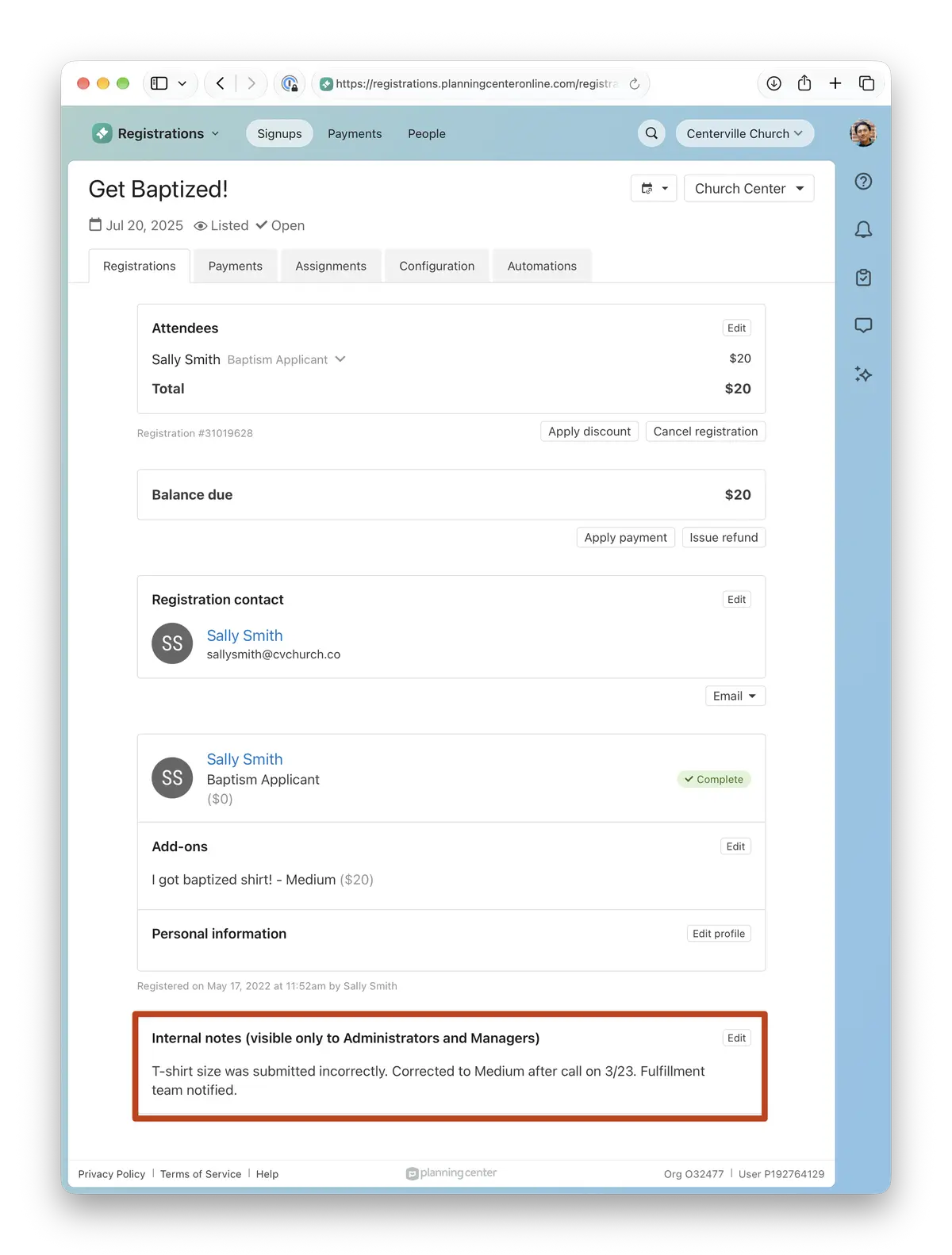
You can now include internal notes in your attendee CSV exports. Review every note for a signup in one spreadsheet instead of opening registrations one at a time.
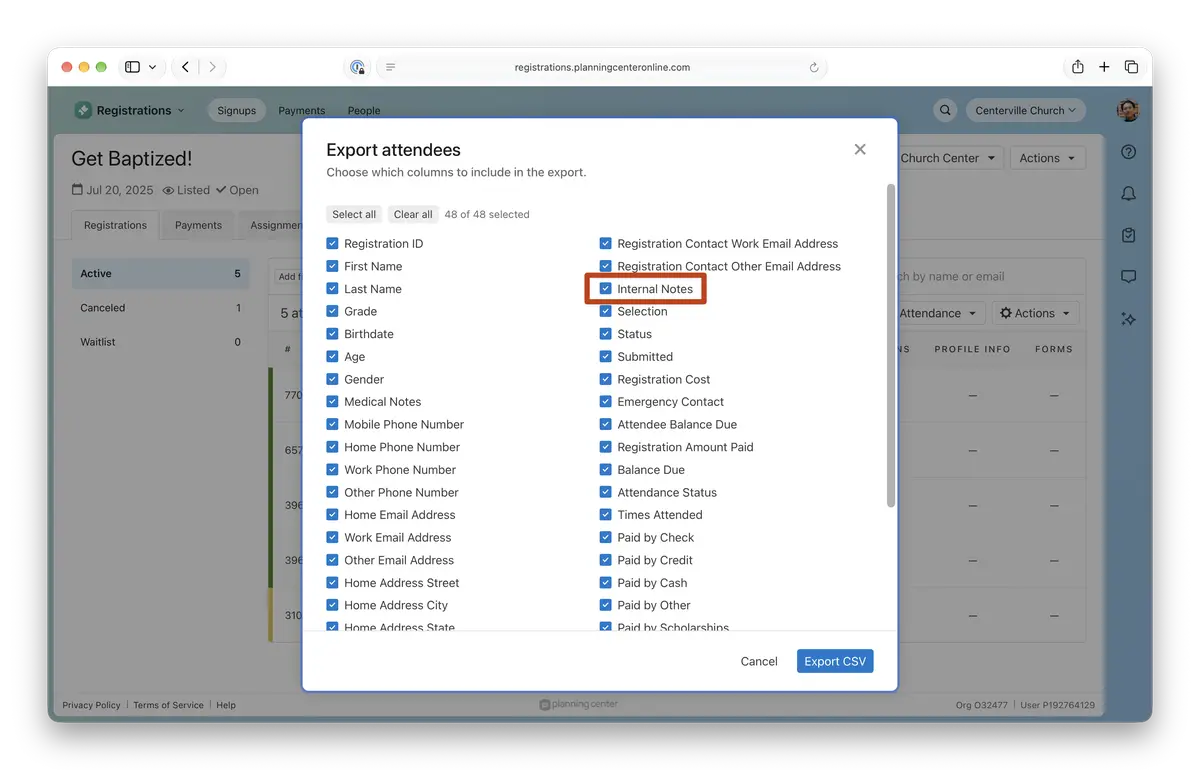
Because notes may hold sensitive details, the column is off by default, and only admins and managers can export it. Notes export as plain text, without formatting or images.
Not using internal notes yet? Admins and managers can add them to any registration. Learn more.
Where to find it
From a signup, go to Attendees, open the Actions menu, and select Export CSV. Check Internal Notes in the column list and they’ll come along with the rest of your attendee data.
💚 The Registrations Team