

Search in People has only ever returned people. Now it also finds your lists, workflows, and forms too! On the web, it works right alongside the new ability to search across products.
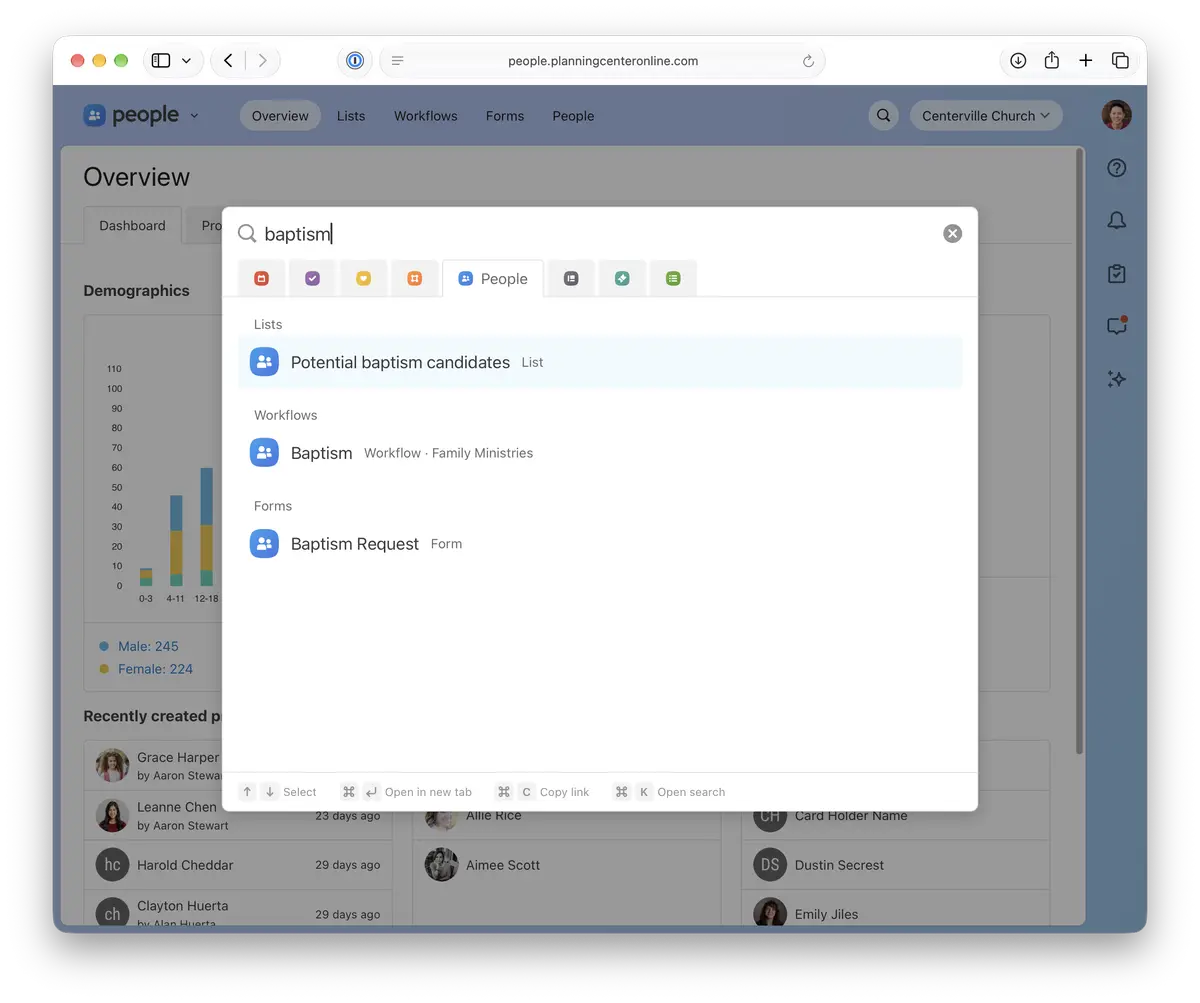
Results are grouped by type, starting with people and followed by lists, workflows, and forms. You'll only see the ones you already have access to.
On the web, you might notice "See all results" and "Add person" are no longer in the search menu. You can still see full results and add people from the People page.
Also in the Planning Center App
Instead of going to Browse > People, opening Lists, Workflows, or Forms, and searching from there, tap 🔍 to open search, pick People, and type the name.
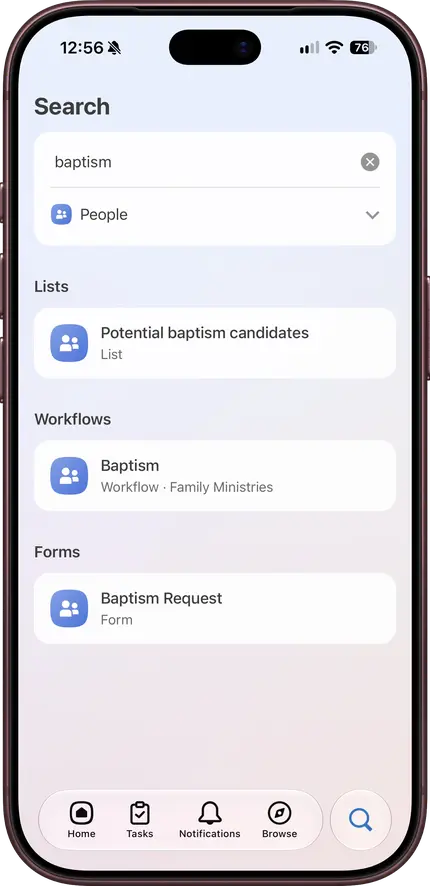
If there's something else in People you'd like to find from search, we'd love to hear about it!
💙 The People Team,
Usborn, Shawn, Shane, Saryn, Kody, James, Gabi, Fred, Dave, and Benson