

The multi-product search you've been using in the Planning Center mobile app is now on the web and it can find anything in any product no matter where you’re at.
Press ⌘K on Mac, Ctrl+K on Windows, or click the 🔍 icon in the top right corner of any page to open the new search window. Start typing to see results right away or swap between products to change where you're searching.
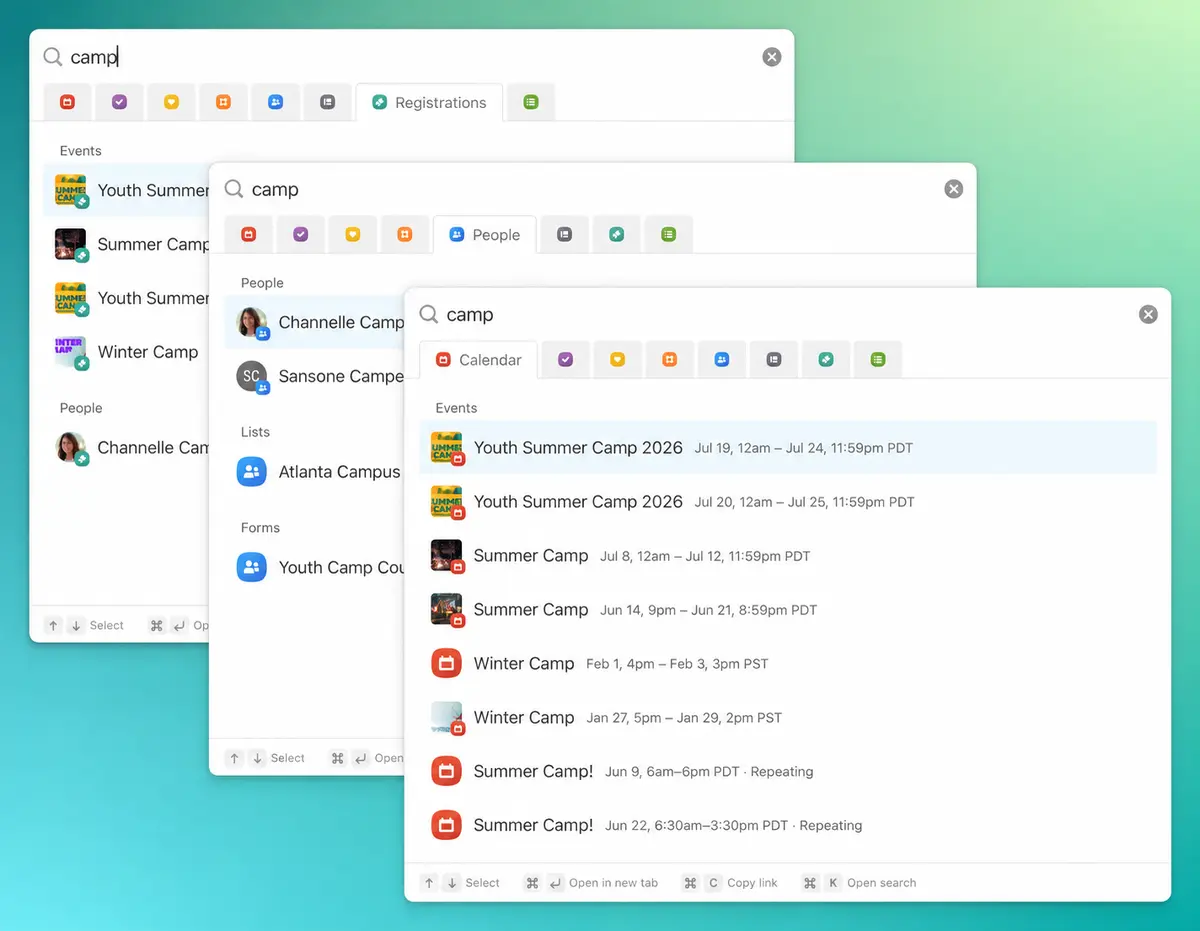
Search any product from any product
Planning Center’s many products create an interconnected ecosystem of information which, until now, has required many clicks to navigate between. This change to search alleviates that by making the whole system act and feel more unified and cohesive.
Working in Services and need to check on a Registrations signup? Looking at someone in People and want to hop over to their group in Groups? Just search for it. No more switching products first to find what you're looking for.
Pick up right where you left off
When you open search, you'll also see all of your recently visited pages which allows you to jump right back into the work you were just doing.
Here's our favorite part: recently visited follows you across every device. Looked up a family in the Planning Center app on Sunday morning? It'll be waiting for you when you sit down at your computer on Monday. Need to step away from your desk while you’re in the middle of something? Pull out your phone and it's right there.
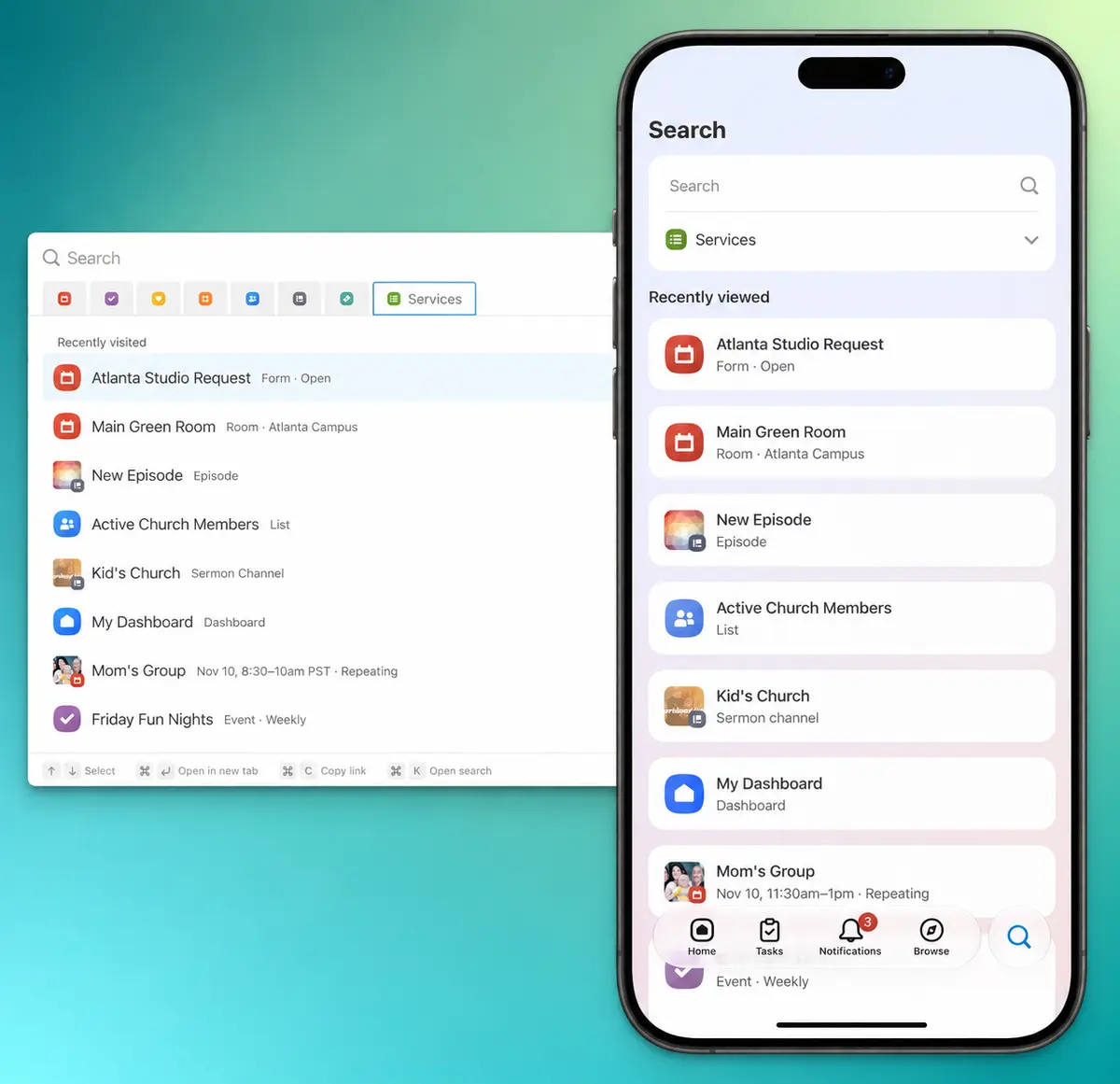
A few tips
If you're used to pressing / to open search, that still works but ⌘K is the new go-to and works the same in many other products so it's a great habit to start building.
Pressing Tab lets you swap back and forth between the search input and the product tabs. When the product tabs are focused you can use your arrow keys to navigate between them.
💙 The Planning Center App Team