

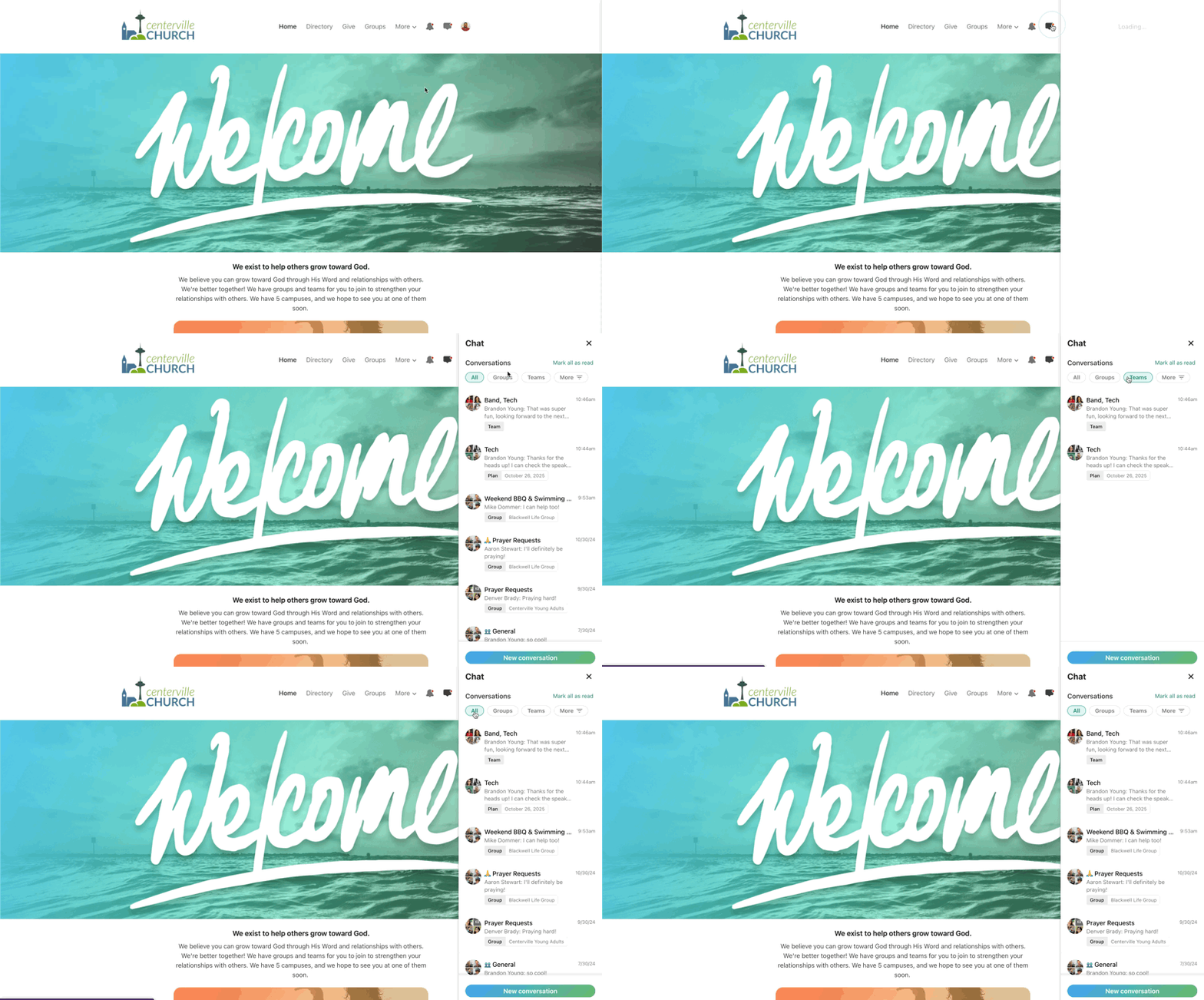
Last year we rolled out some big enhancements to chat in the Church Center mobile app, centralizing all your team and group chat conversations in a single, filterable interface. Today, this global chat experience is now available on the web too!
:quality(75))
Church Center users can view all of their conversations by clicking the chat icon in the top-right corner. The list is sorted by most recent, and can be filtered to show only chats for teams, groups, or a specific team or group.
You can also navigate to a particular team to view conversations for that team.
We’re excited to hear all the ways that real-time chat can help you organize your ministries and connect with your congregation. Stay tuned for more exciting updates!
💙 The Chat Team