

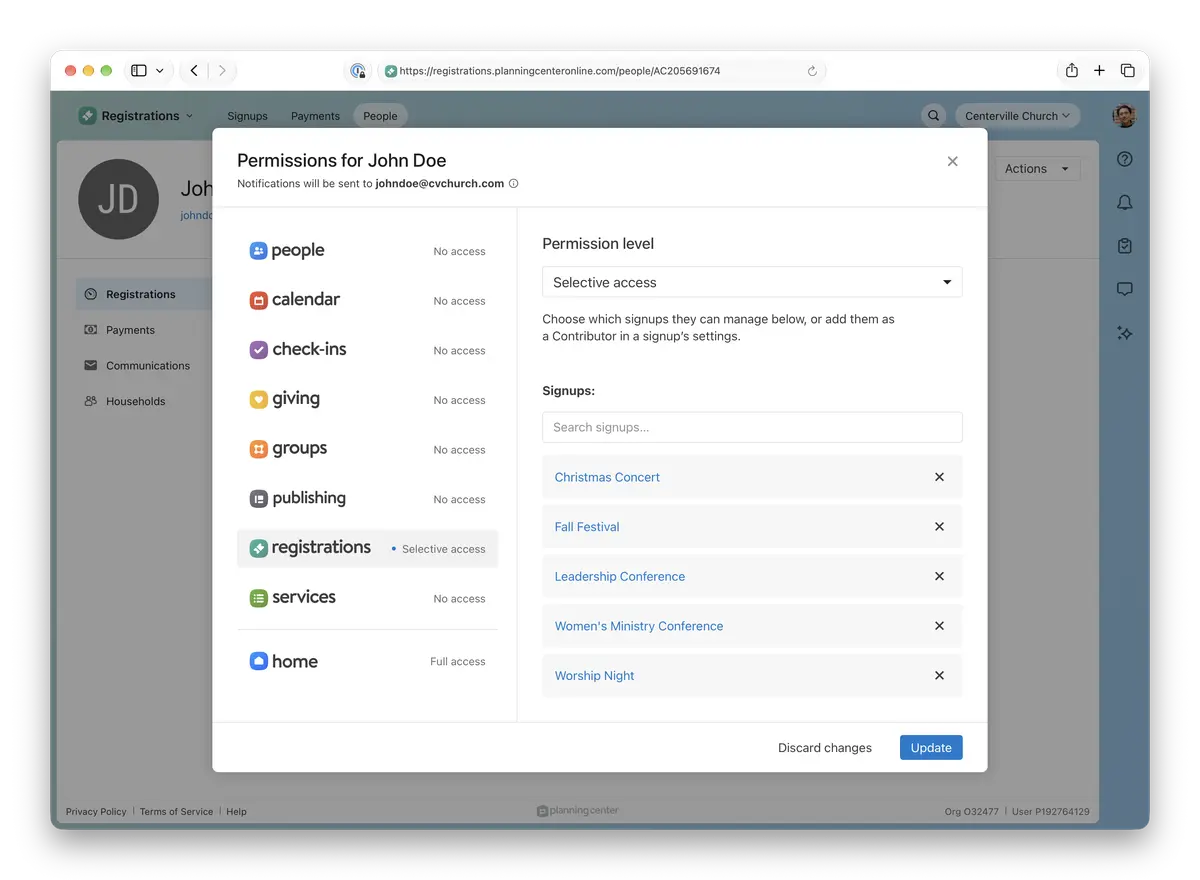
You can now give someone access to specific signups, or remove it, from the same place you manage the rest of their Planning Center permissions. Previously, you had open each signup separately to add the same person as a Contributor. Now you can do it all at once.
How it works
Open a person’s profile from Registrations > People and click “Manage permissions” from the “Actions” menu. Choose Selective access, search for the signups they need access to, remove any they don’t, and click Update.
Archived signups are hidden from search.
Adding Contributors from a signup’s settings still works, too.
💚 The Registrations Team