

On custom pages, the event schedule block no longer has to begin on the same fixed day. Pick any day of the week as the start, and the schedule will lay out your events from there.
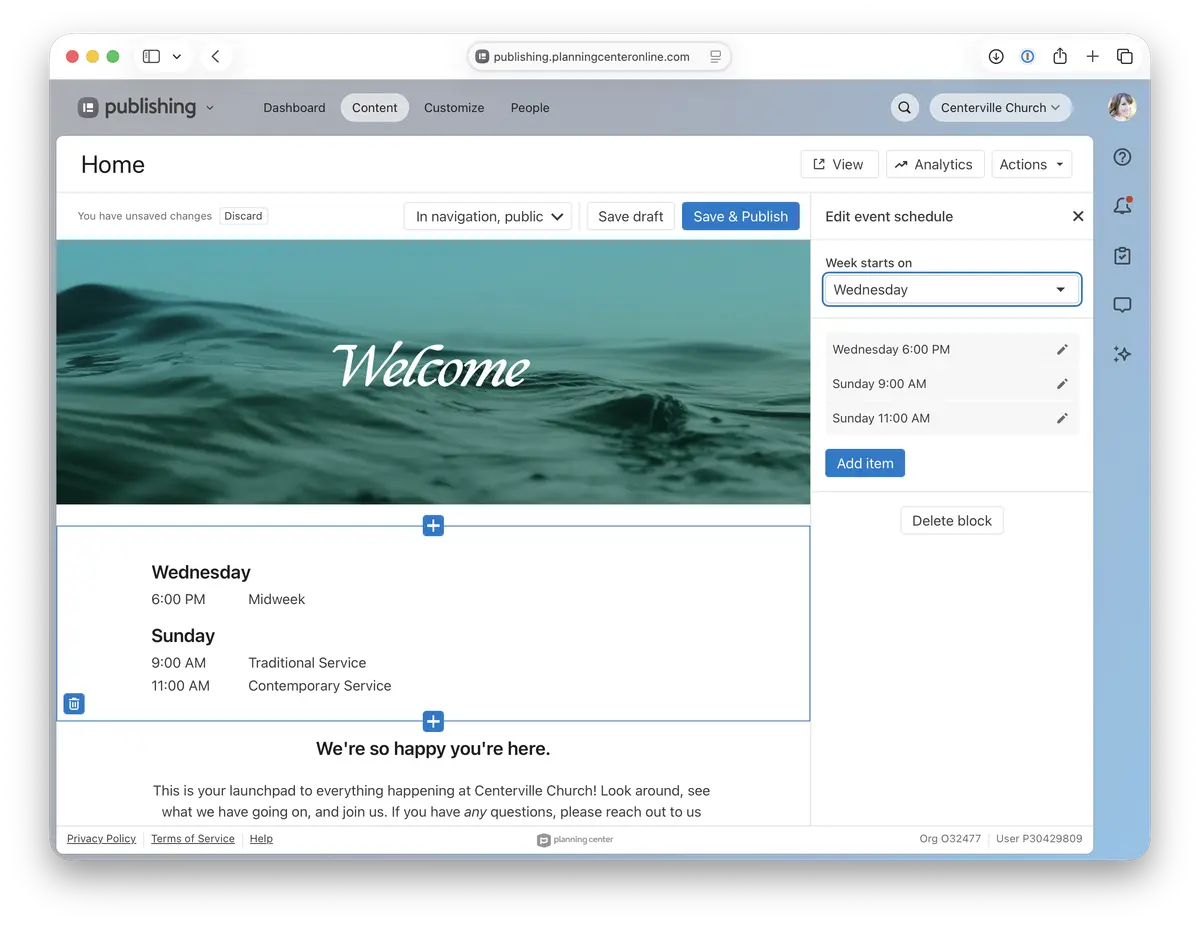
Match your church’s rhythm. If your week revolves around Sunday, start there. If it kicks off with Wednesday night youth, start there instead.
Retire the workarounds. Many churches were typing out schedules by hand in a text block, or stacking a separate block for every day of the week.
Keep your page tidy. A single schedule is easier for visitors to scan and much easier for you to keep up to date.
To set it up, open the event schedule block on any page and choose a start day in its settings.
🩶 The Publishing Team