

If you already share your sermons on YouTube, adding them to Publishing just got easier. Now when you create an episode from a YouTube link, we’ll pull over the title, description, and artwork automatically.
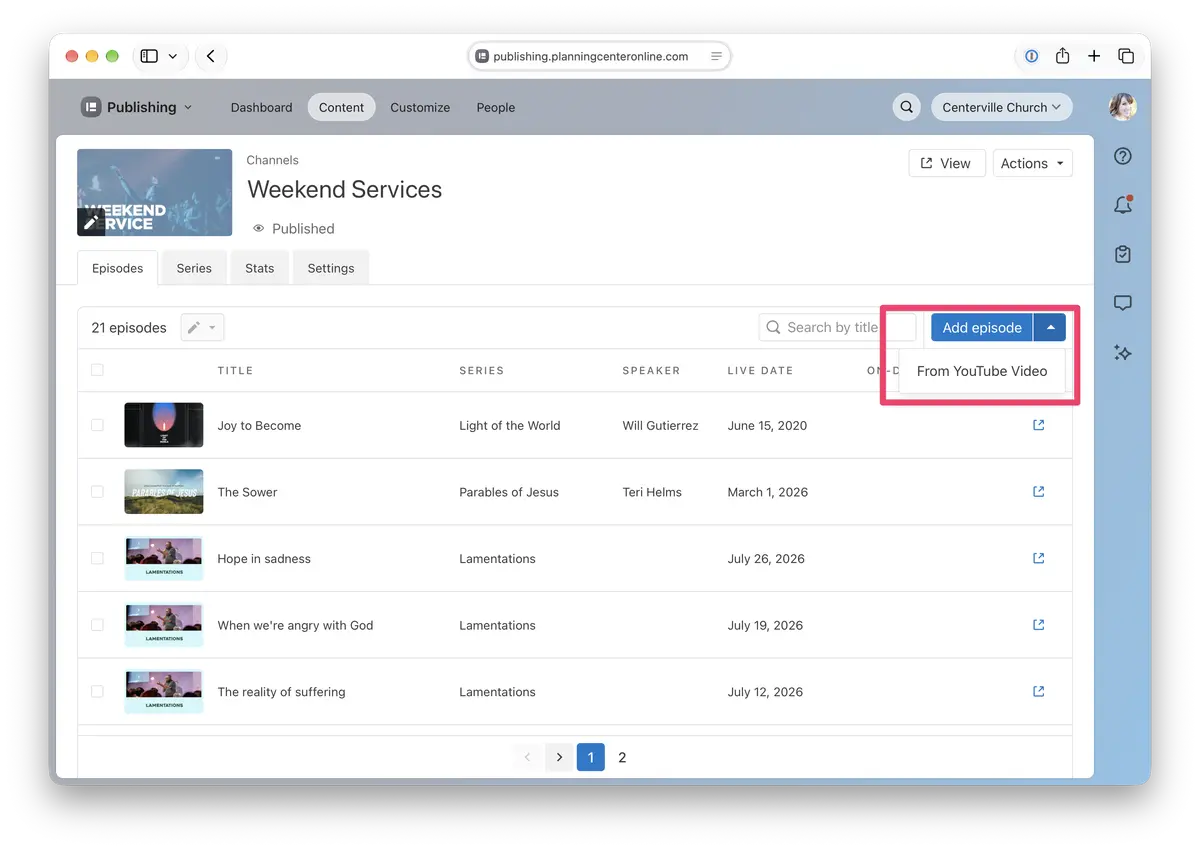
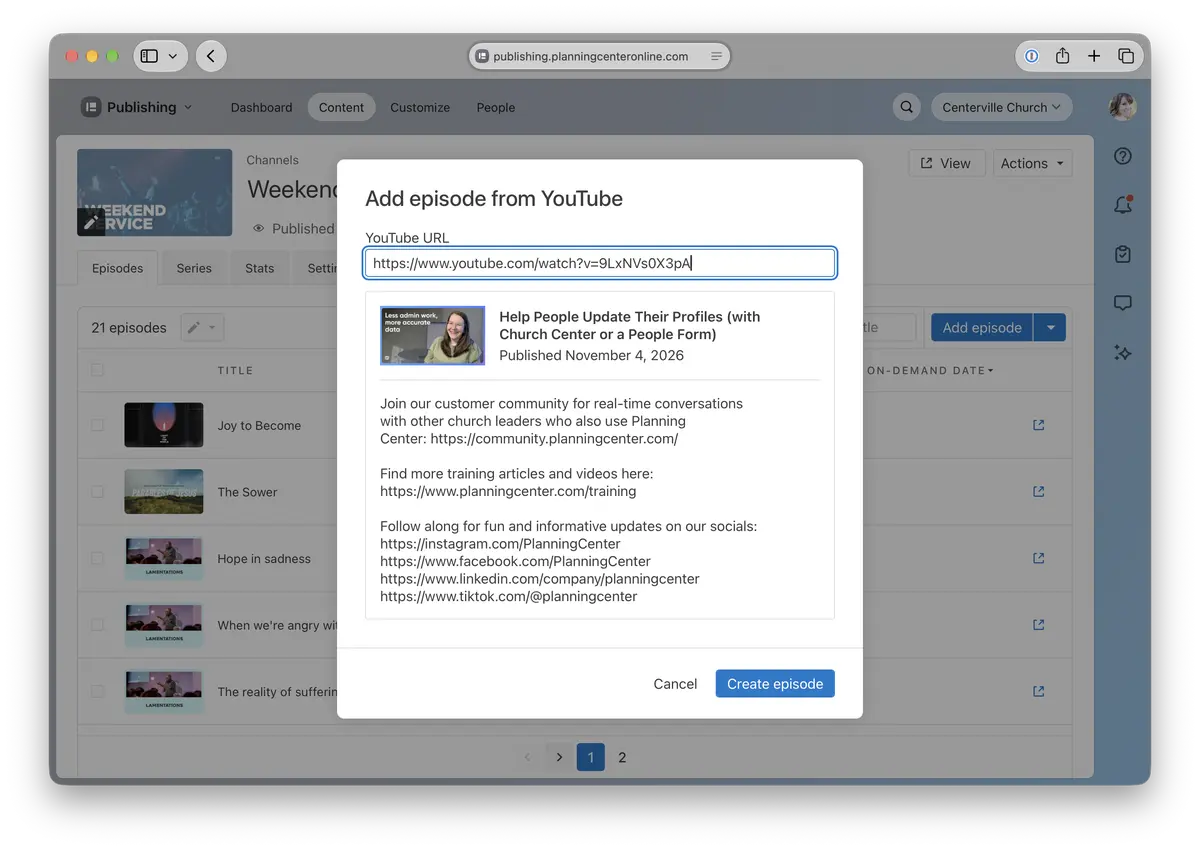
On any channel with on-demand video enabled, tap the dropdown next to Add episode and select From YouTube Video. Paste the video's link, and you'll see a preview of what will come over before anything is created.
Title and description come straight from the video; artwork is the video's thumbnail; and the date matches when the video was published, in your church's time zone.
With so many sermon videos already living on YouTube, we hope this saves you a few steps every week. Give it a try on your next episode, and let us know what you think!
🩶 The Publishing Team