

Lists, workflows, and forms in People are only visible to the admins they're shared with, including organization administrators. That's on purpose: many churches use them for sensitive ministries like counseling or care. It has also made everyday work harder than it needs to be. Maybe you've been asked to clean up old workflows, edit a list, or connect a list automation to a workflow, only to find you didn't have access. From there, you had to ask around outside of Planning Center to get in.
Today, instead of tracking someone down, you can request access from the page itself.
Requesting access
When you open a list, workflow, or form you don't have access to, you'll see an option to request access, with an optional field to explain why you need it:
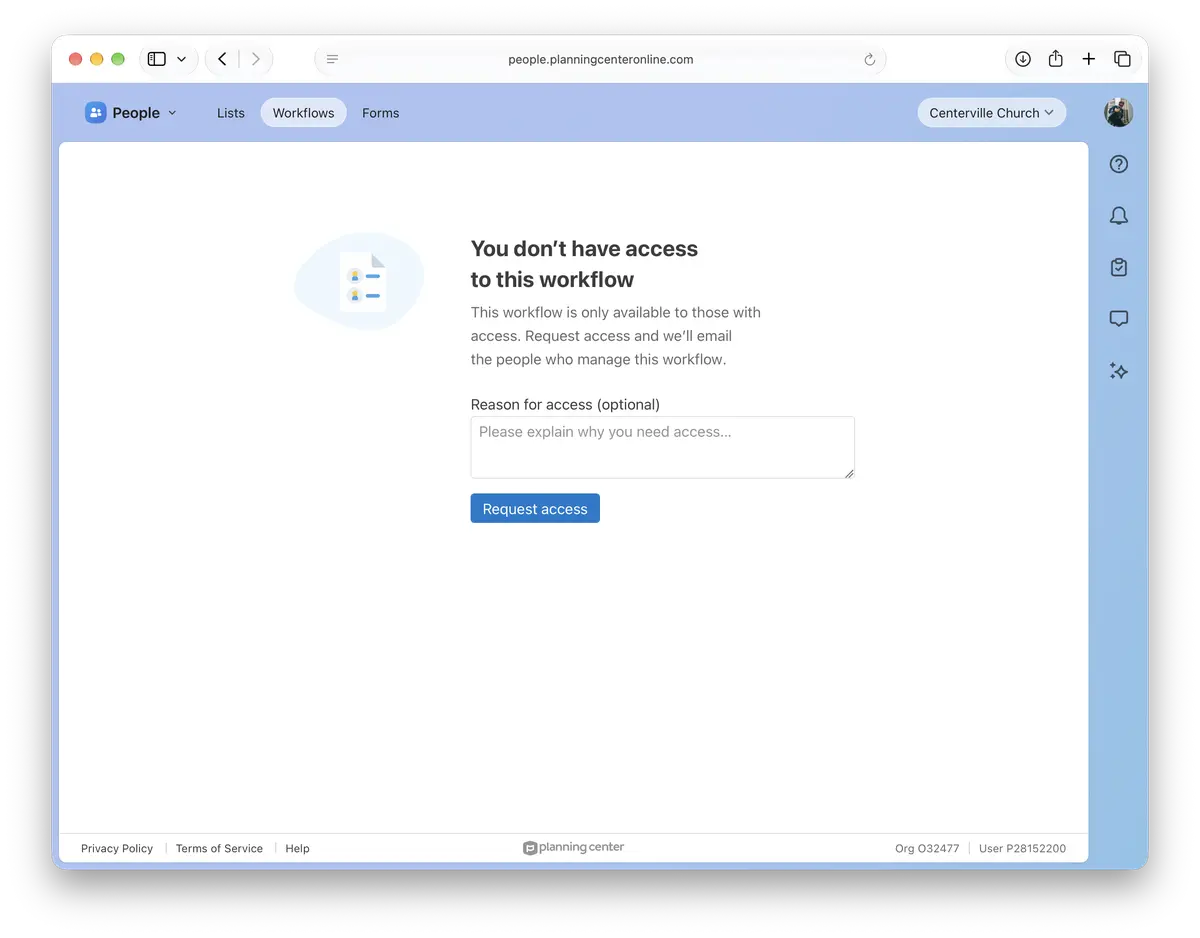
We'll email everyone who manages it with your name, your reason, and a link to review the request.
Reviewing requests
When someone requests access, in addition to getting an email, you'll see a dot on the Settings tab and a banner to review pending requests. From there, you can grant access or ignore the request:
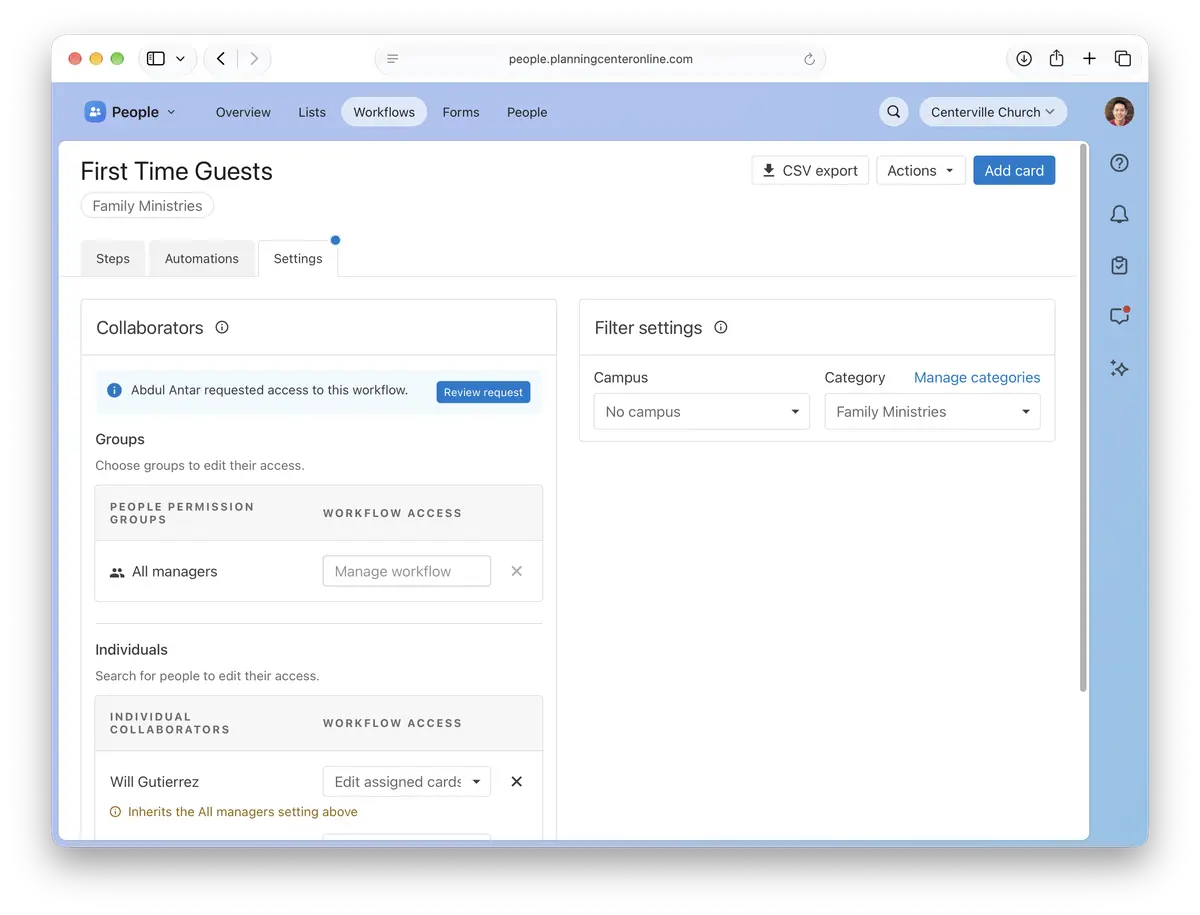
Once someone has access, we'll email them a link to the list, workflow, or form.
This helps when the person who manages a list, workflow, or form is around to respond, but we know that isn't always the case, like when a staff member has moved on but still has permissions in People. We're working on ways to help with that too.
If there's a list, workflow, or form you still can't get into, tell us what you were trying to do — we’d love to hear how about how we can make that better.
💙 The People Team,
Usborn, Shawn, Shane, Saryn, Nick, Kody, James, Gabi, Fred, Dave, and Benson