

You can now share Home dashboards with groups instead of adding each person individually. Give your pastoral staff, elder board, or ministry group a shared place to see tasks, calendars, resources, and other dashboard widgets.
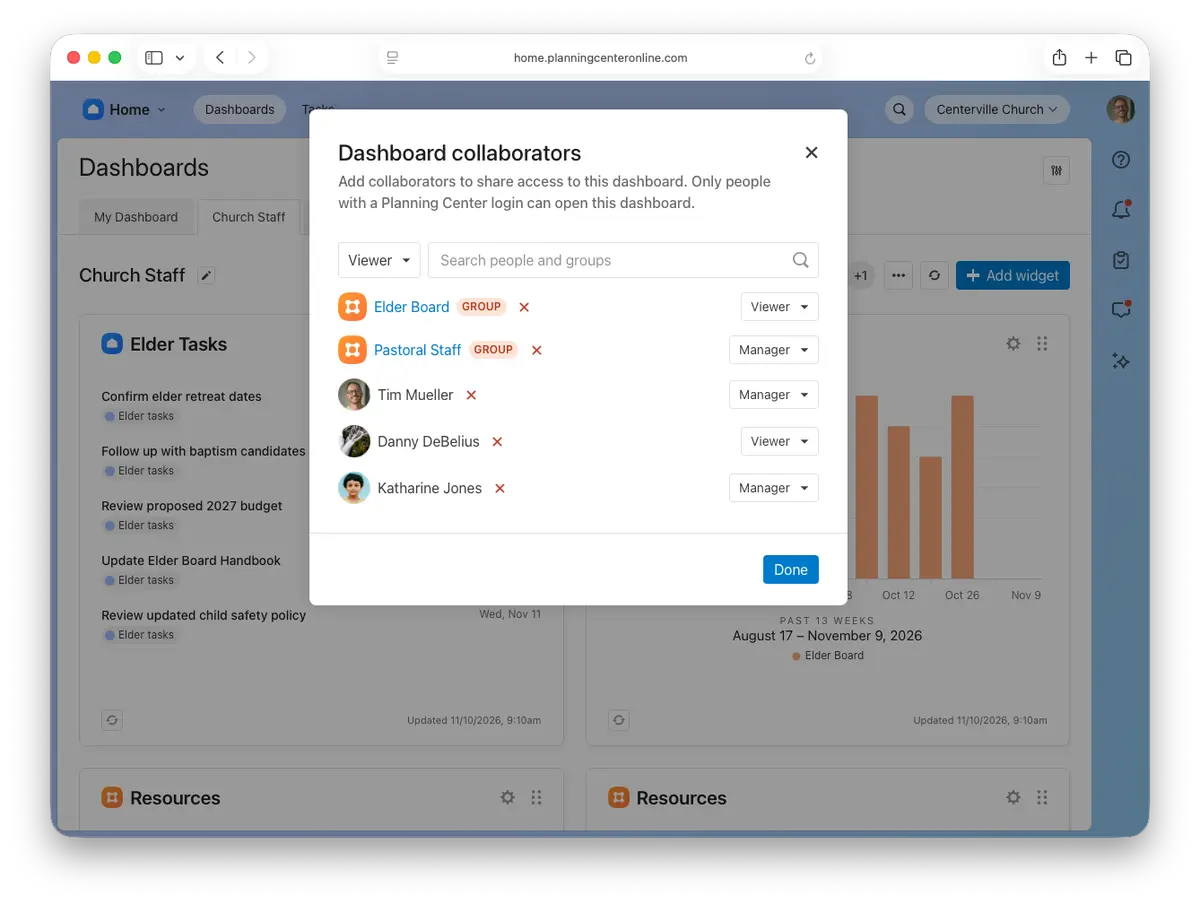
Share once, keep access up to date
Add one or more groups through your dashboard's sharing controls in Home and choose Viewer or Manager access. Members with a Planning Center login receive the access level you choose.
Choose Viewer to let group members see the dashboard, or Manager to let them add and edit widgets and share the dashboard with others.
As people join the group, they gain access automatically. When they leave, they lose the access provided through that group; any access granted separately still applies.
Members without a Planning Center login won't receive dashboard access. Sharing a dashboard doesn't create a login or grant additional product permissions.
You can also share dashboards with groups in the Planning Center app (version 2026.11.1 or later)
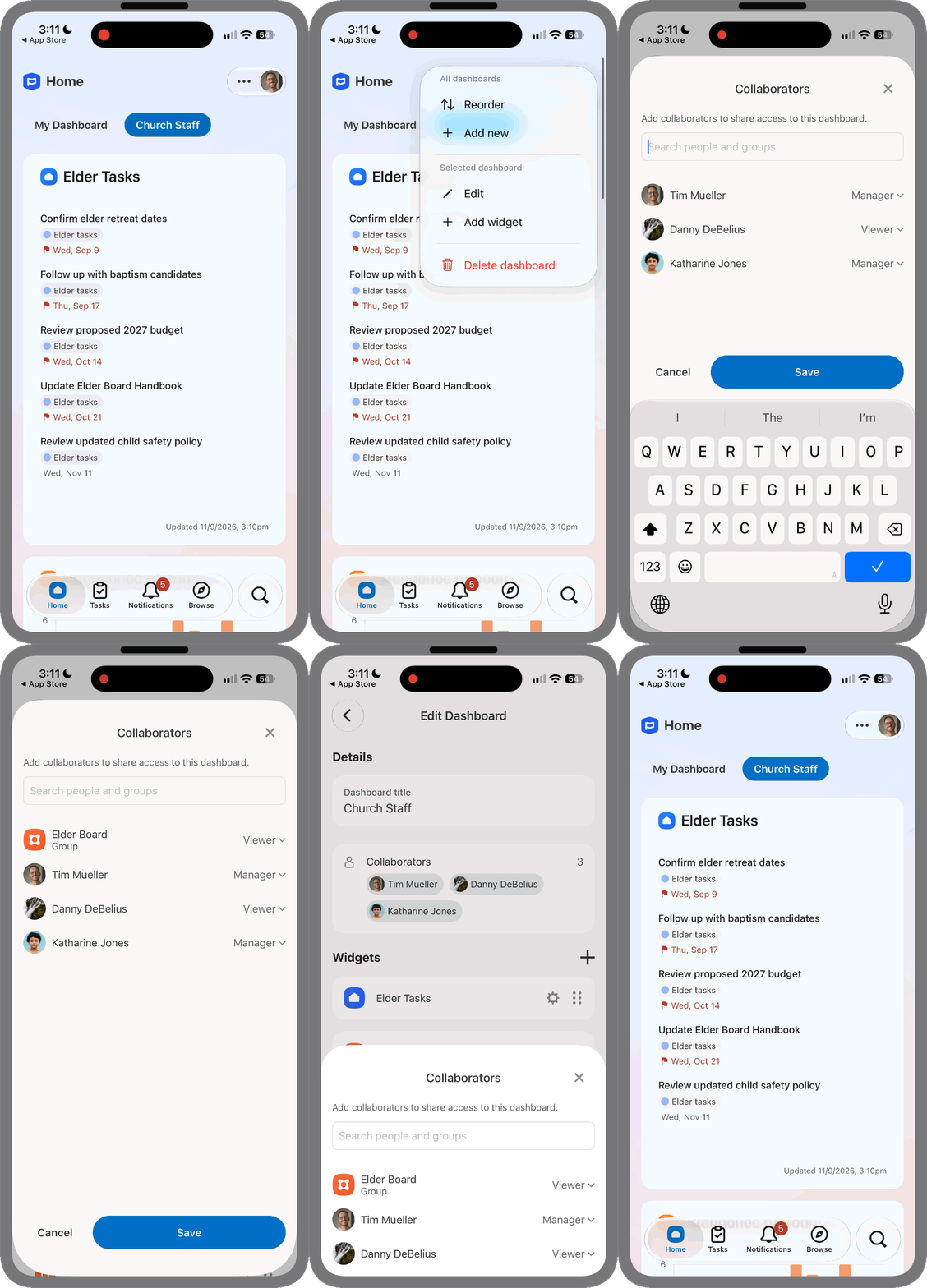
Give staff and admin groups a shared starting point
A great use for dashboard sharing is keeping staff and admin groups on the same page. Give new pastoral staff a place to find tasks, calendars, and onboarding resources, or help new elders get up to speed with meeting notes, bylaws, and board tasks.
Don't have a staff or admin group yet? An organization admin can create one from People → Teams & Groups. Learn more about the Teams & Groups hub in People.
Need help creating a Home dashboard? Check out our guide to creating and managing dashboards.
Less time managing individual shares, more time keeping your ministry on the same page.
🧡 Team Groups