

You can now control which notifications from the Planning Center app send push notifications.
Everything will still appear on your Notifications page, these controls simply determine if a push notification pops up or not. The goal is to weed out the noise so you can be alerted to what's most important to you!
Head over to the Settings page by tapping on your profile picture in the top right corner and select push notifications. Here you'll see a listing of every product you've got access to.
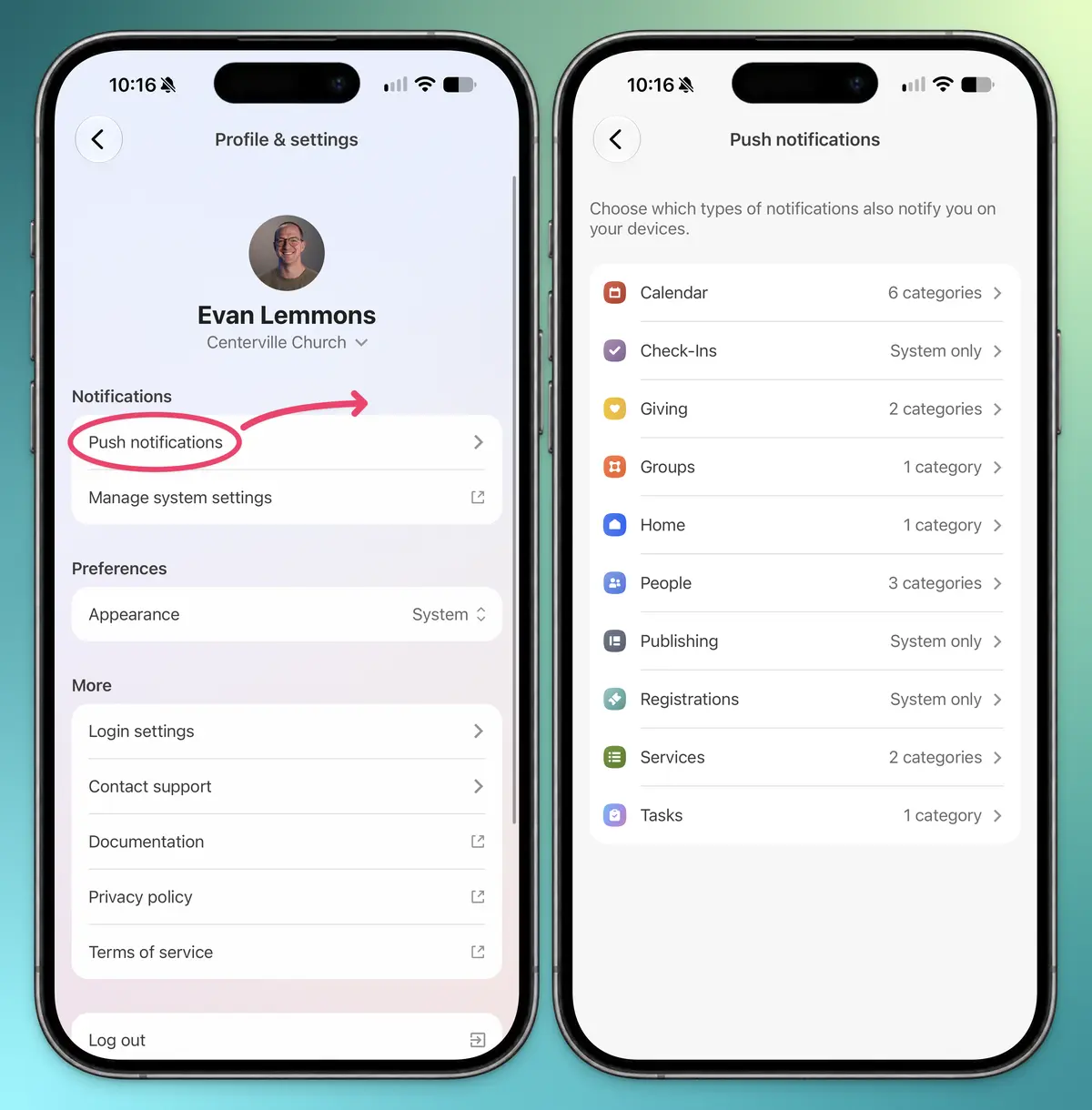
All products send "system" notifications for things like when your permissions change or, if you're an organization administrator, billing and plan limits. Some products only send system notifications while others like Calendar and People tend to be a bit noisier! Dig in to each product to silence the less urgent notifications so you can focus on what really matters.
💙 The Planning Center App Team