
It's 9:47 on a Saturday night.
The slides are done.
The coffee maker is prepped.
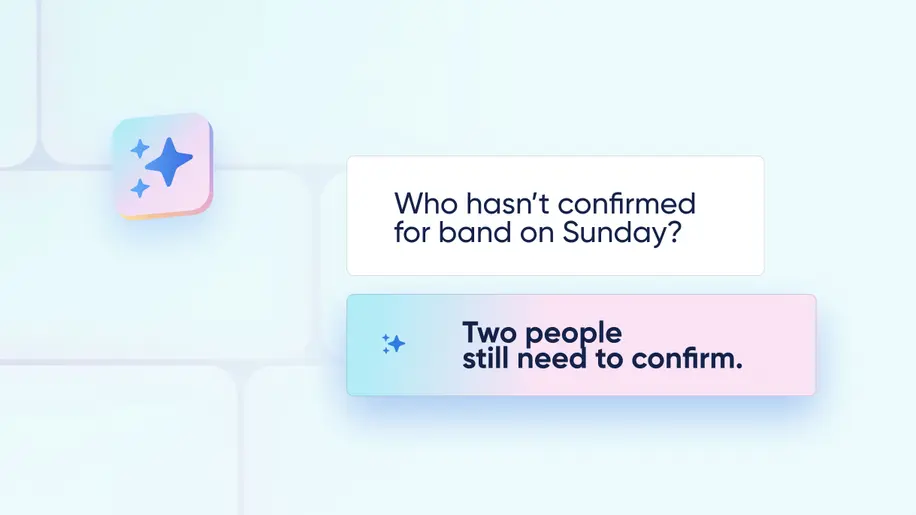
Then a small worry sneaks in: Did everyone in the band actually confirm for tomorrow?
You could open Services, click into the plan, and scan every position. Or, you could just ask.
Ask AI, found in the sidebar of every Planning Center product, can now answer questions about what's happening in your account. You can ask, in your own words, things like:
Who hasn't confirmed for the band on Sunday?
How many people are signed up for VBS so far?
Do we have any new prayer requests since yesterday?
Are all volunteers confirmed for tonight's service?
How many workflow cards are ready for me?
Ask AI finds the answer so you don't have to track it down yourself.
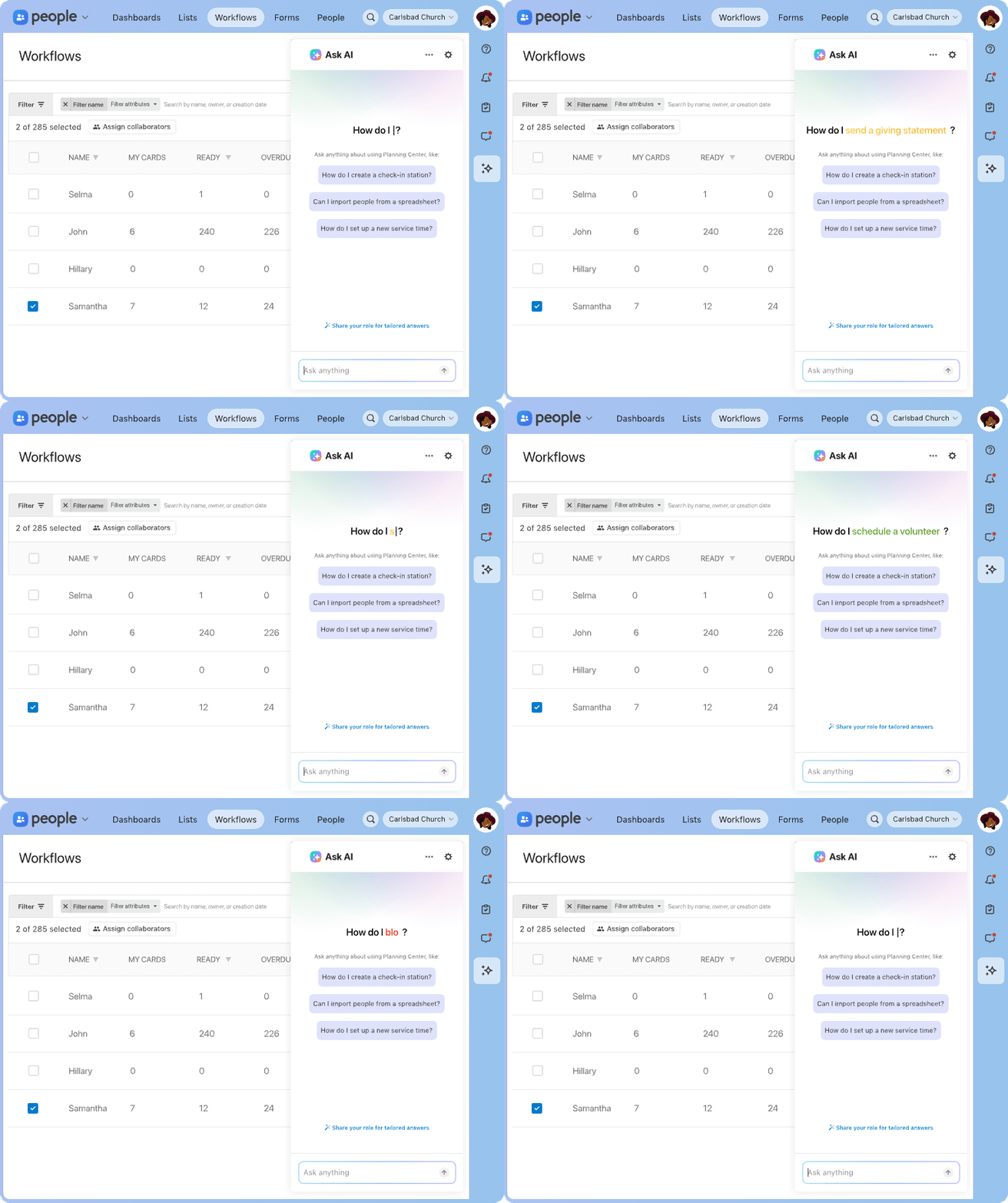
Get answers about your church, not just the software
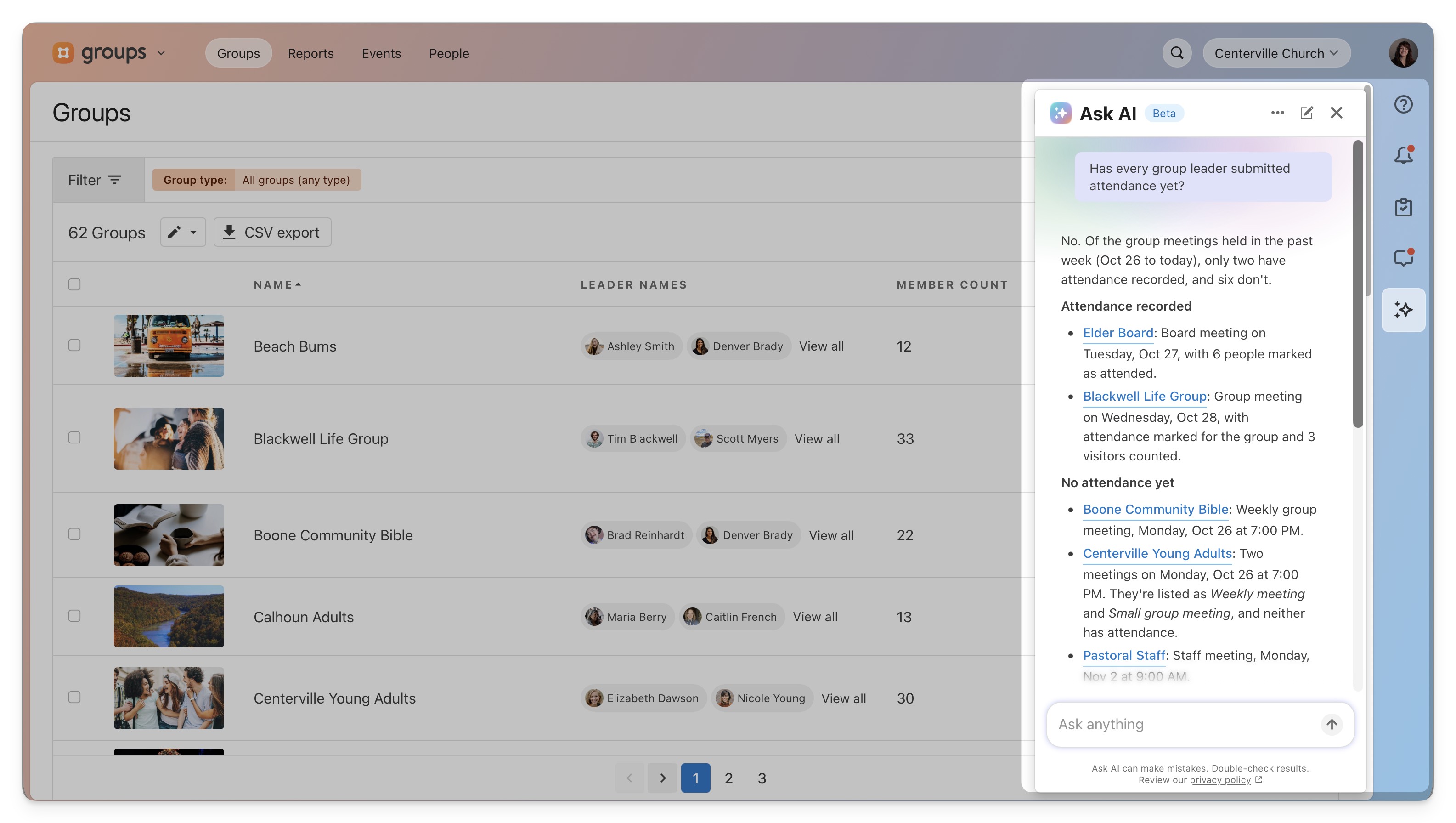
Ask AI still answers "How do I…" questions from our help docs. But now it can also look things up in your account, so you can find answers directly related to your church and your people.
Every answer also points you to where that information lives, making it easy to dive deeper and take the next step.
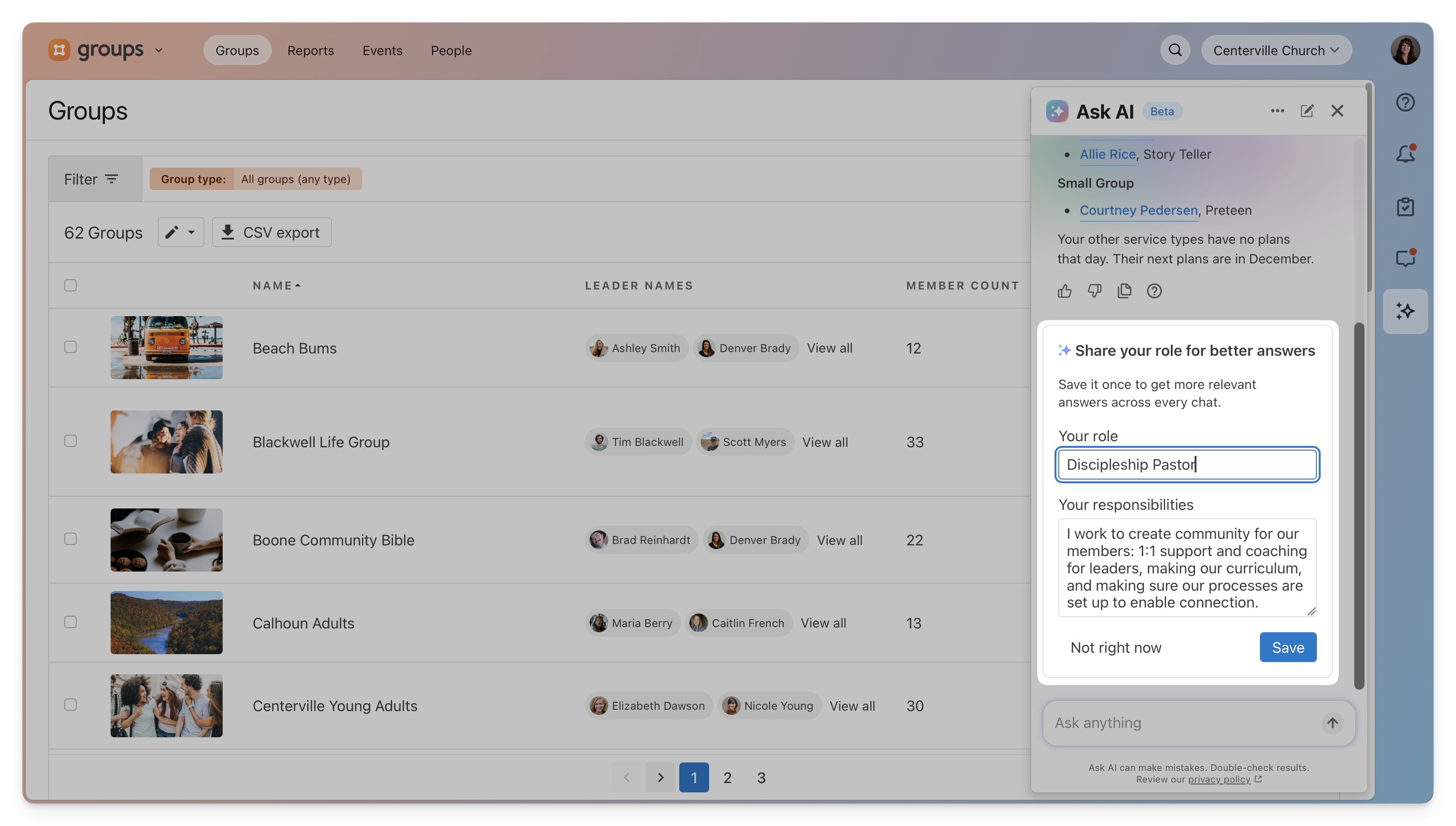
 You don't need to be an avid AI user, either. If you can type out a question, you're all set. There's nothing else you need to do, set up, or to turn on in your account. But if you want answers even more tailored to you, you can share a little bit more about your role and the feature can take that into account in the responses.
Keeping your data private and your permissions in place
If you can't see it, Ask AI can't either.
This tool works with the same access and information you already have, and that’s true for every admin on your team who uses it.
So, for example, if you can't open giving records or someone's profile, Ask AI can't open them for you. It can look things up, but it can't make changes in your account or to information.
Your church's data stays protected inside of Planning Center. We don't use it or the questions you submit to Ask AI to train AI.
Building Ask AI to be accurate from the start
Rather than ship Ask AI and spot-check whether it felt right, we spent the time measuring how well it actually answers.
Our Support team wrote and approved answers to common questions, and we regularly test Ask AI’s responses against them. We hold every answer to three standards:
Correctness: It’s based on trusted sources like our help docs, not the AI’s best guess.
Faithfulness: It sticks to those sources and doesn’t go beyond them.
Refusal: If a question is outside what it should answer, it doesn’t try.
As one of our engineering leads put it, the last 10% of the work took about 70% of the effort. That last stretch is the difference between a helpful answer and a wrong one.
Talk to a real person anytime
Ask AI is great for quick, straightforward questions. But plenty of ministry-related and technical questions need a person. We’re here for that!
If Ask AI can't help, it'll suggest reaching out to Support and pass your conversation along automatically, so you won't have to explain everything twice.
When you contact support from the sidebar, we'll offer an AI-written answer to look at while you wait.
Also, using Ask AI is always optional. You can always reach out to Support without it, and everything in Planning Center works without it, just like you’re used to.
Try it the next time you have a question
Look for the ✨ in the sidebar of any Planning Center product and ask about something you need to figure out. Then get right back to the people you're doing all of this for.